Markdown Editor
The Markdown Editor lives on the 1.1.7 Island Bar (Right Bar) and is the main place to write formatted text tied to map content. Use it in 2.1.1 Project Info & Presentation, 2.1.2 Series, and 2.1.3 Themes to combine narrative text with live data.
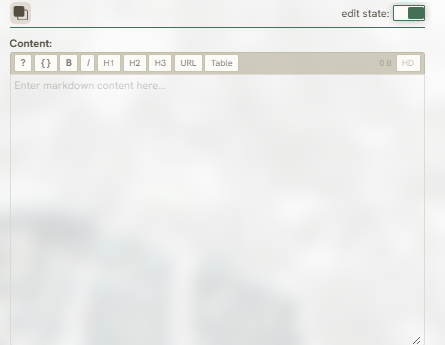
The following tools within the Markdown Editor will help you write, iterate, and visualize your data:
Markdown Syntax Help

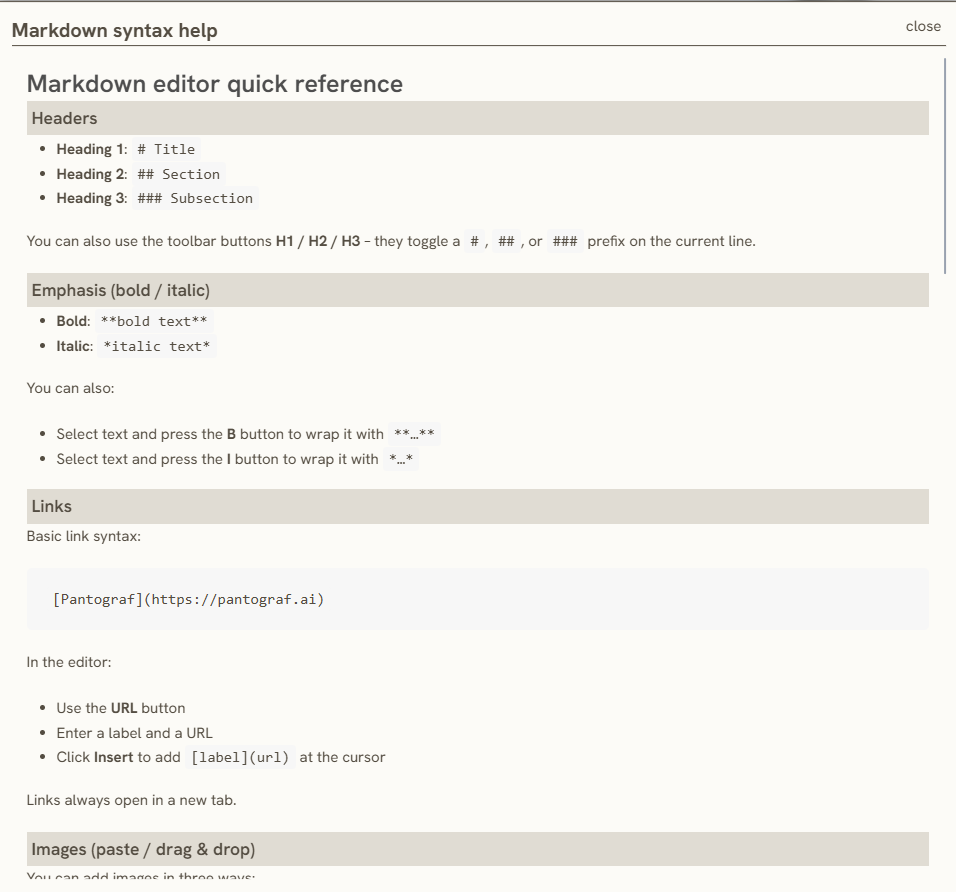
This helper tool serves as a Markdown syntax quick reference guide to help you easily format headers, emphasis, links, tables, images and tips within the editor. It covered all the basics expression that used on the Series Content.

*Click the link in the title above to access more information*
Text Style Editor

This tool helps you format text and organize headers; however, if you are already familiar with Markdown, you can write the text directly without using this tool.
URL


You can insert a link directly into the content by entering the target URL and its corresponding label.

*Click the link in the title above to access more information*
Keywords
markdown, editor, write, iterate, and, visualize, your, data, syntax, help, expression, helper, text, style, url, table