1.1.3 Basemap Selection
Basemap Selection changes the background map under your project layers. Choose a preset style for context (streets, satellite, terrain) or create a custom style in the 2.2.4 Basemap Editor.
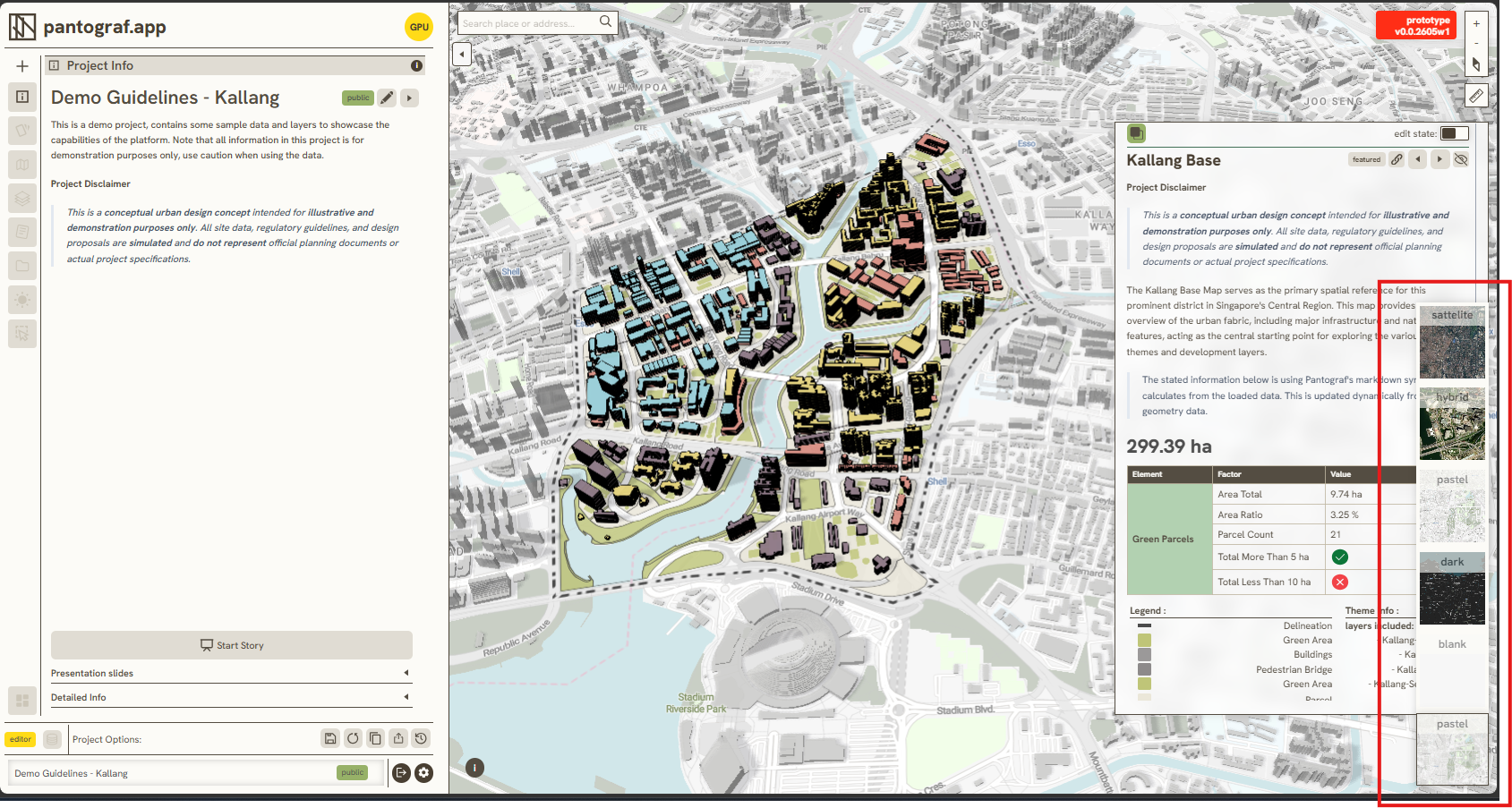
Following steps to use Basemap Selection:
-
Open [[Pantograf Prototype]]
-
Navigate to bottom-right.
-
Select your preffered Basemap.
-
If none are preferred, you can use 2.2.4 Basemap Editor to to design your own style.
Keywords
basemap, selection, following, steps, use, 1 1 3